Import from File
Import records from a CSV, OFX, or QFX file. Unlike YNAB imports, this adds records to an existing journal. It does not create a new one.
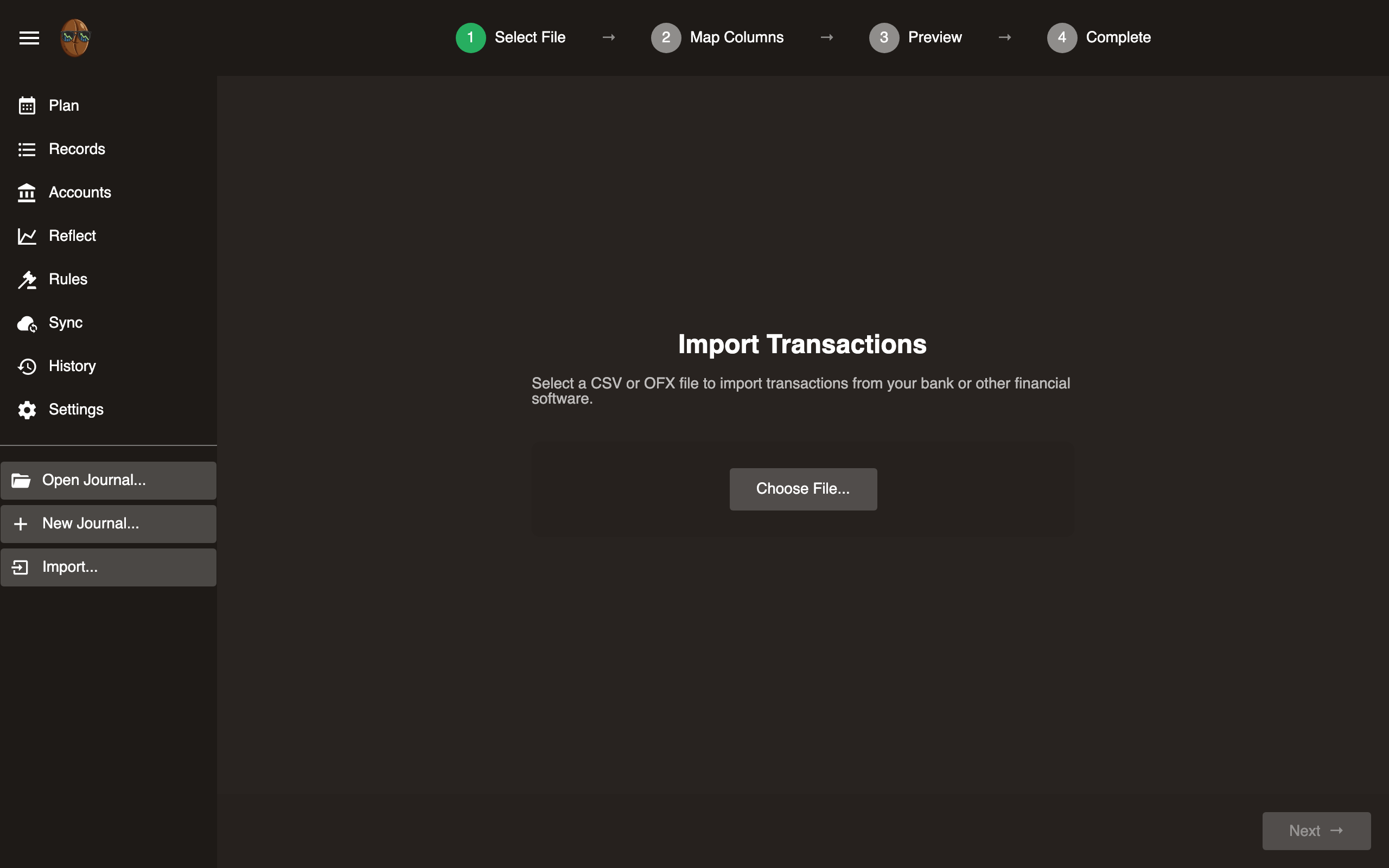
Select a file
- Click ☰ → Import → From CSV/OFX.
- Browse for your file.
- Surebeans auto-detects the format.
CSV import
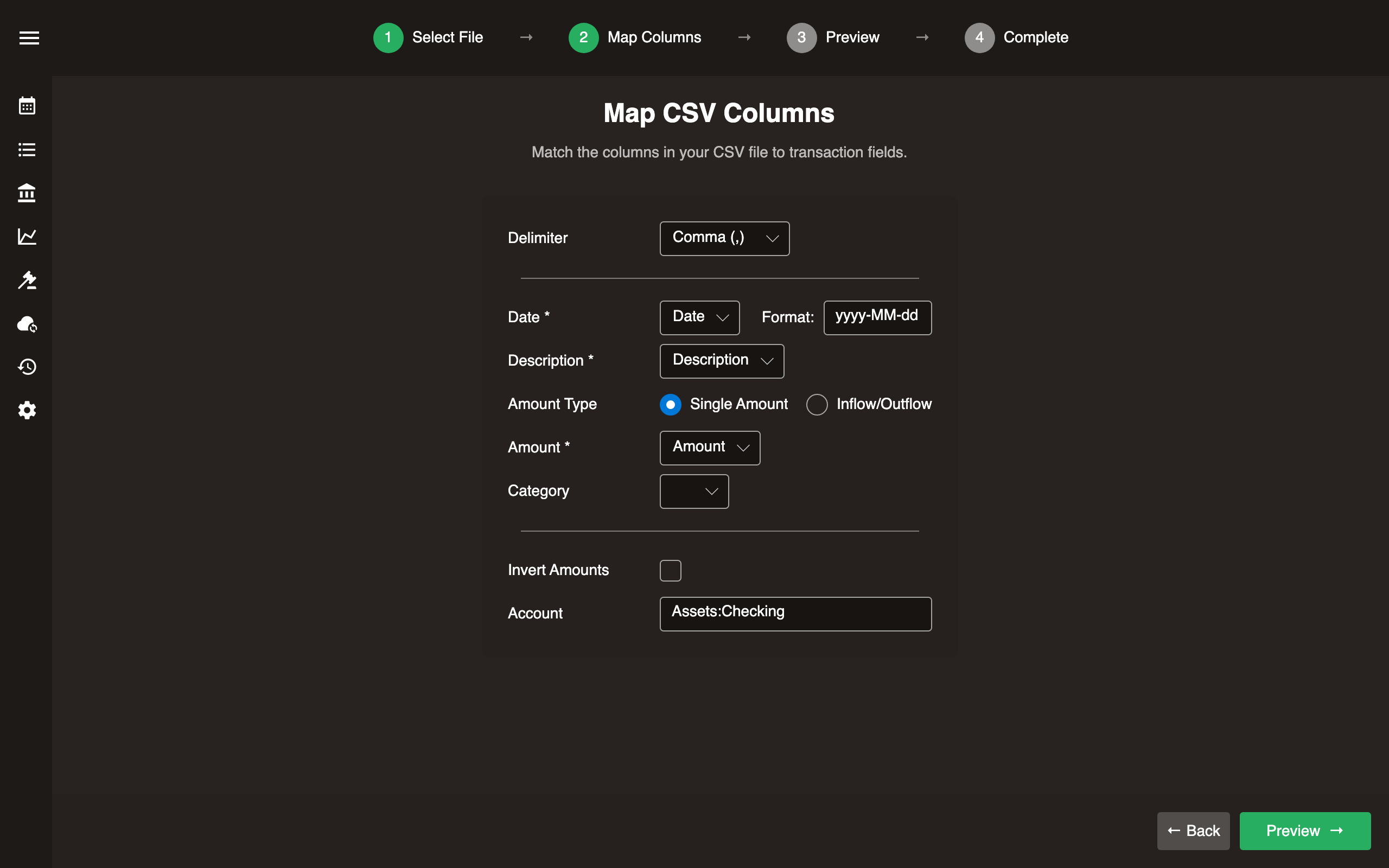
CSV files require column mapping.
- Map columns: Assign each CSV column to a record field (Date, Payee, Amount, etc.).
- Configure options:
- Date format (e.g.,
yyyy-MM-dd,MM/dd/yyyy) - Delimiter (comma, semicolon, tab)
- Invert amounts (if your bank uses opposite signs)
- Split inflow/outflow columns (if amounts are in separate columns)
- Date format (e.g.,
- Select account: Choose which account these records belong to.
- Preview: Review parsed records before importing.
- Import.
OFX/QFX import
OFX and QFX files are self-describing. Surebeans reads the fields automatically.
- Select the account to import into.
- Preview records.
- Import.
Deduplication
Surebeans assigns an import key to each imported record. Re-importing the same file skips duplicates.
After import
Run Rules to auto-categorize the imported records. Assign money in Plan.