Rules
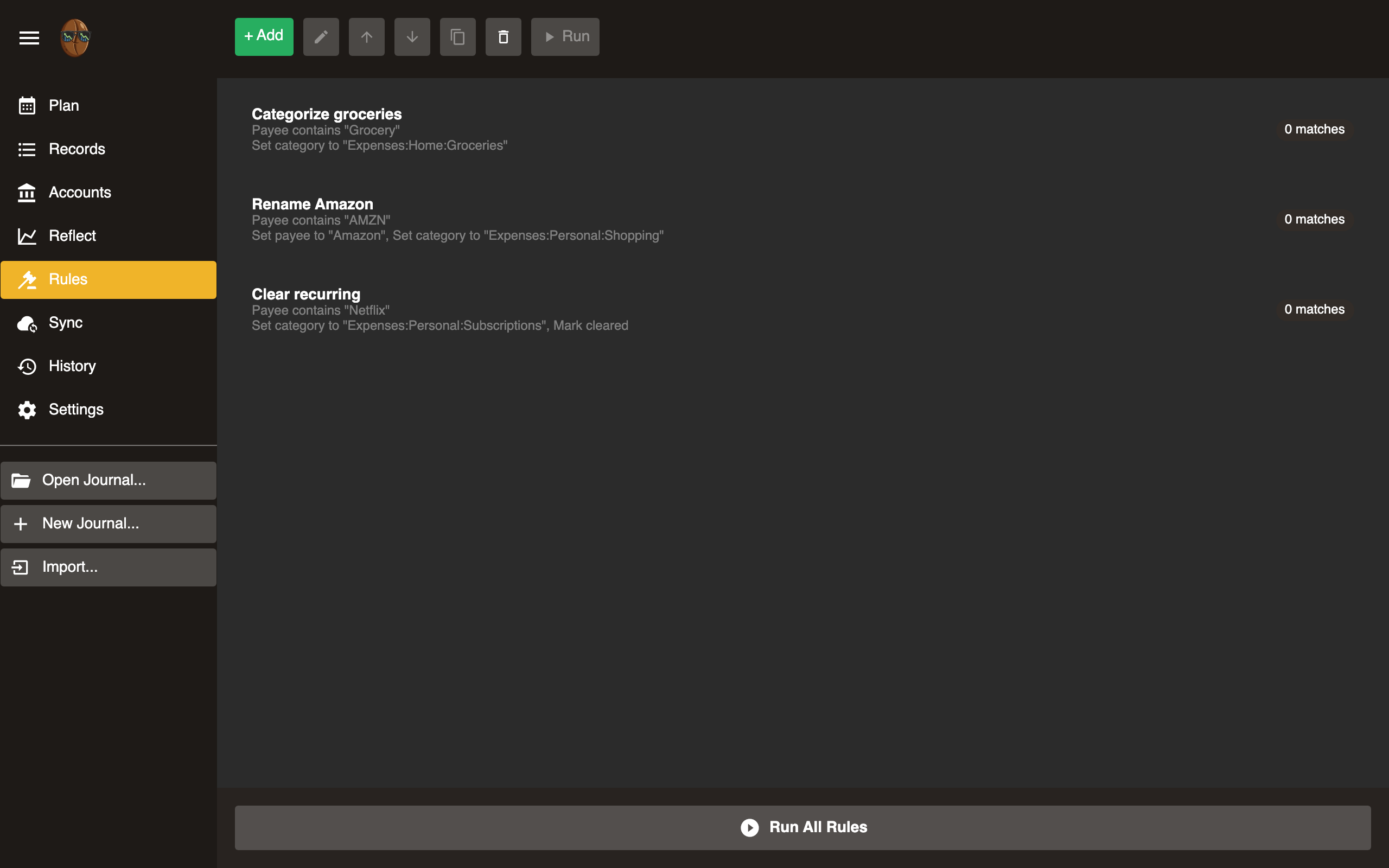
Automate record categorization. Rules match records by pattern and apply actions (set category, memo, etc.).
How rules work
When you run rules, Surebeans evaluates each uncategorized record against the rule list from top to bottom. The first matching rule wins. If no rule matches, the record is unchanged.
Rule structure
Each rule has:
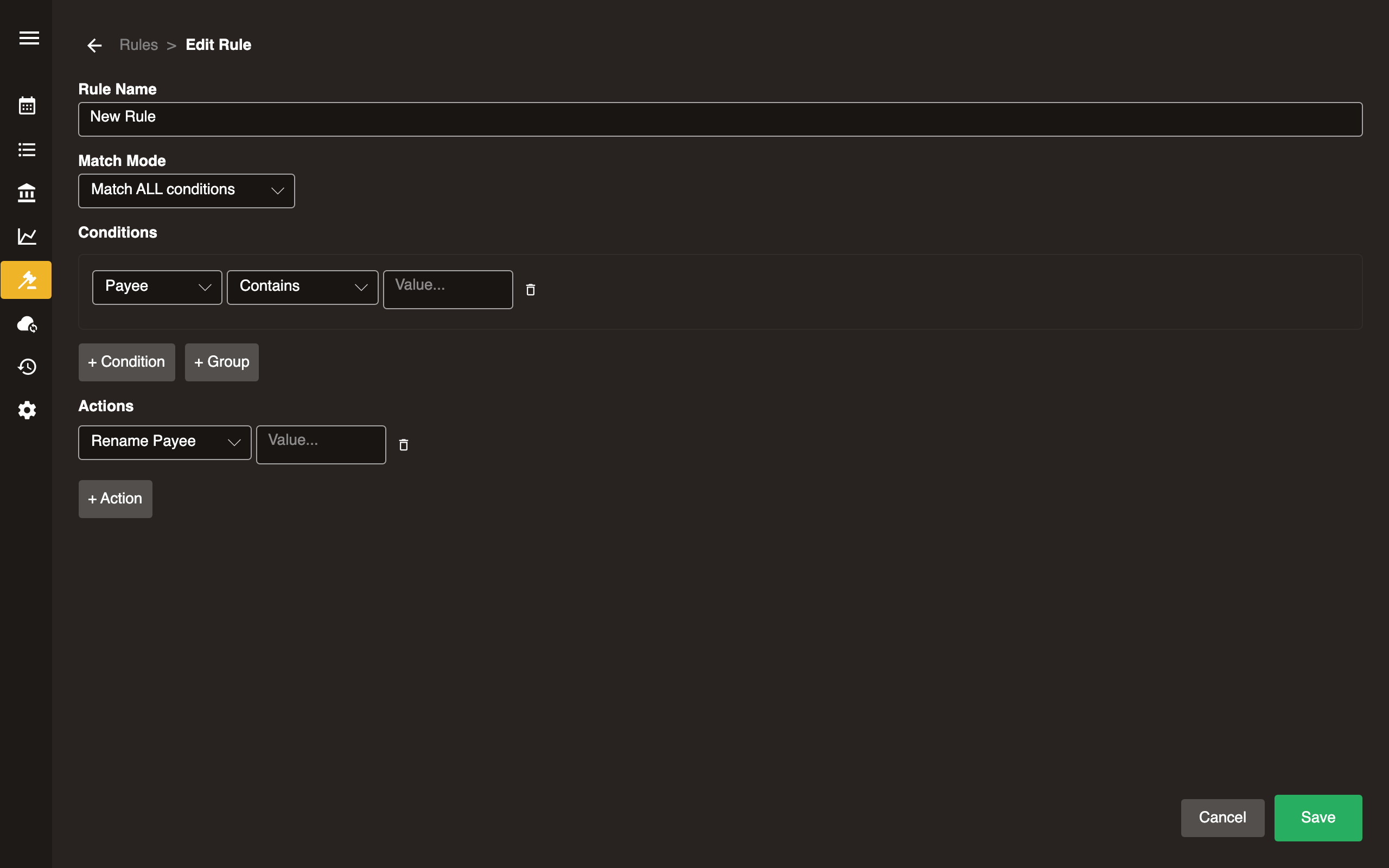
- Condition: Pattern to match against payee and/or memo. For example,
AMAZONmatches any record containing “AMAZON”. - Action: What to do when matched (set category, set memo, etc.).
- Match count: Number of existing records this rule would match.
Operations
| Action | Description |
|---|---|
| Add | Create a new rule |
| Edit | Modify an existing rule’s condition or action |
| Move up | Increase rule priority (rules are evaluated top-to-bottom) |
| Move down | Decrease rule priority |
| Duplicate | Copy a rule as a starting point for a new one |
| Delete | Remove a rule (two-stage confirmation) |
| Run | Apply this rule to all matching records |
| Run All | Apply all rules in order to all uncategorized records |
Tips
- Put more specific rules higher in the list.
- Use Run on a single rule to preview its effect before running all.
- Rules only apply to records that don’t already have a category (unless the rule is configured to override).