GitLab
Sync your journal to a GitLab repository.
Setup
- Create a private project on gitlab.com (or your self-hosted instance).
- In Surebeans: Sync → Add Remote → GitLab.
- Enter the repository URL.
- Authenticate with one of the methods below.
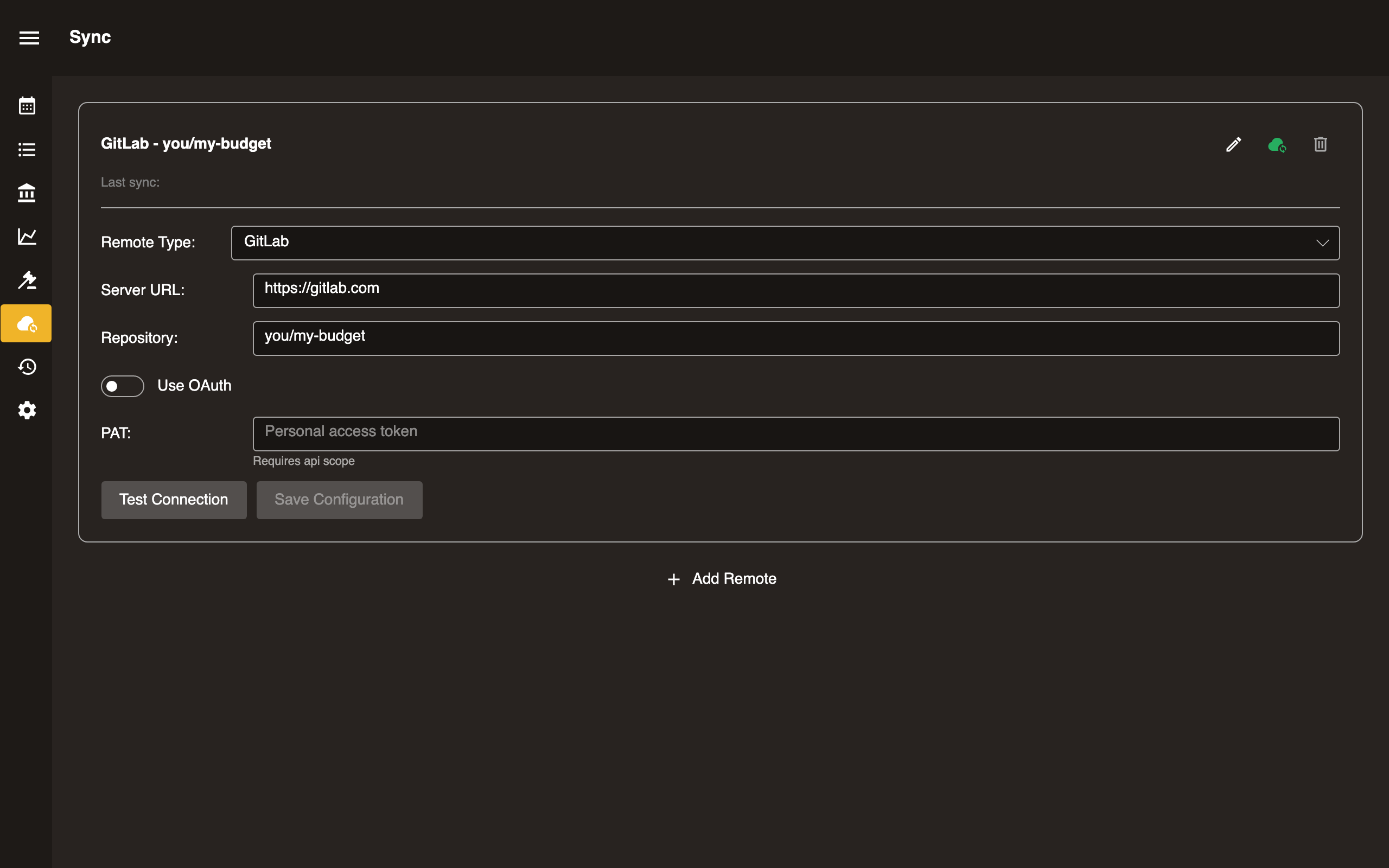
Option A: Personal Access Token
- Generate a Personal Access Token with
write_repositoryscope. - Paste the token into the Token field.
Option B: OAuth
- Create an OAuth application in your GitLab account or instance (Settings → Applications).
- Enter the Client ID in Surebeans.
- Click Sign in. On desktop, a redirect flow opens your browser. The browser version uses the device flow instead.
- Approve the request and return to Surebeans.
Configuration
| Field | Required | Notes |
|---|---|---|
| Repository URL | Yes | https://gitlab.com/you/my-budget |
| Token | PAT only | glpat-xxxxxxxxxxxx |
| Client ID | OAuth only | From your GitLab OAuth application |
Platform support
| Platform | Supported |
|---|---|
| Desktop | Yes |
| Browser | Yes |
In the browser, by default Surebeans routes web requests to GitLab through a proxy at cors.surebeans.net. This is necessary because GitLab’s CORS settings do not allow requests to gitlab.com from surebeans.net. Per our privacy policy, we do not store or track any data.