Gitea
Sync your journal to a Gitea instance.
Setup
- Create a private repository on your Gitea server.
- In Surebeans: Sync → Add Remote → Gitea.
- Enter the repository URL.
- Authenticate with one of the methods below.
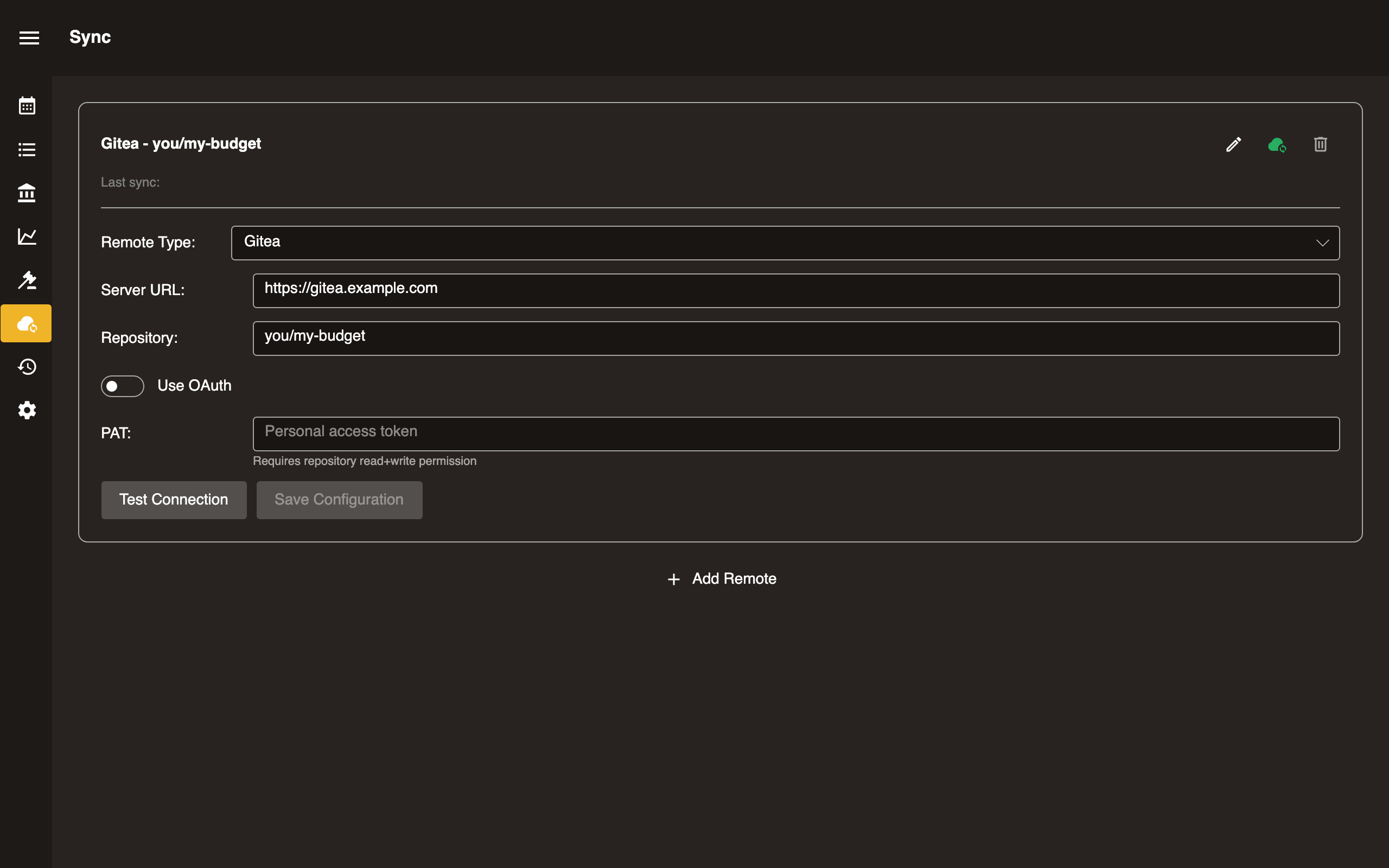
Option A: Access Token
- Generate an access token in Settings → Applications on your Gitea instance.
- Paste the token into the Token field.
Option B: OAuth
- Create an OAuth application on your Gitea instance (Settings → Applications → Manage OAuth2 Applications).
- Enter the Client ID in Surebeans.
- Click Sign in. A redirect flow opens your browser for authorization.
- Approve the request and return to Surebeans.
Configuration
| Field | Required | Notes |
|---|---|---|
| Repository URL | Yes | https://gitea.example.com/you/my-budget |
| Token | Token only | xxxxxxxxxx |
| Client ID | OAuth only | From your Gitea OAuth application |
Platform support
| Platform | Supported |
|---|---|
| Desktop | Yes |
| Browser | Yes |
In the browser, by default Surebeans routes web requests to your forge through a proxy at cors.surebeans.net. Per our privacy policy, we do not store or track any data. This is necessary only if your forge’s CORS settings do not allow requests from surebeans.net. You can alternatively enable CORS and connect directly. See CORS for Browser Sync.