History
Every change to your journal is a git commit. History shows the full commit log.
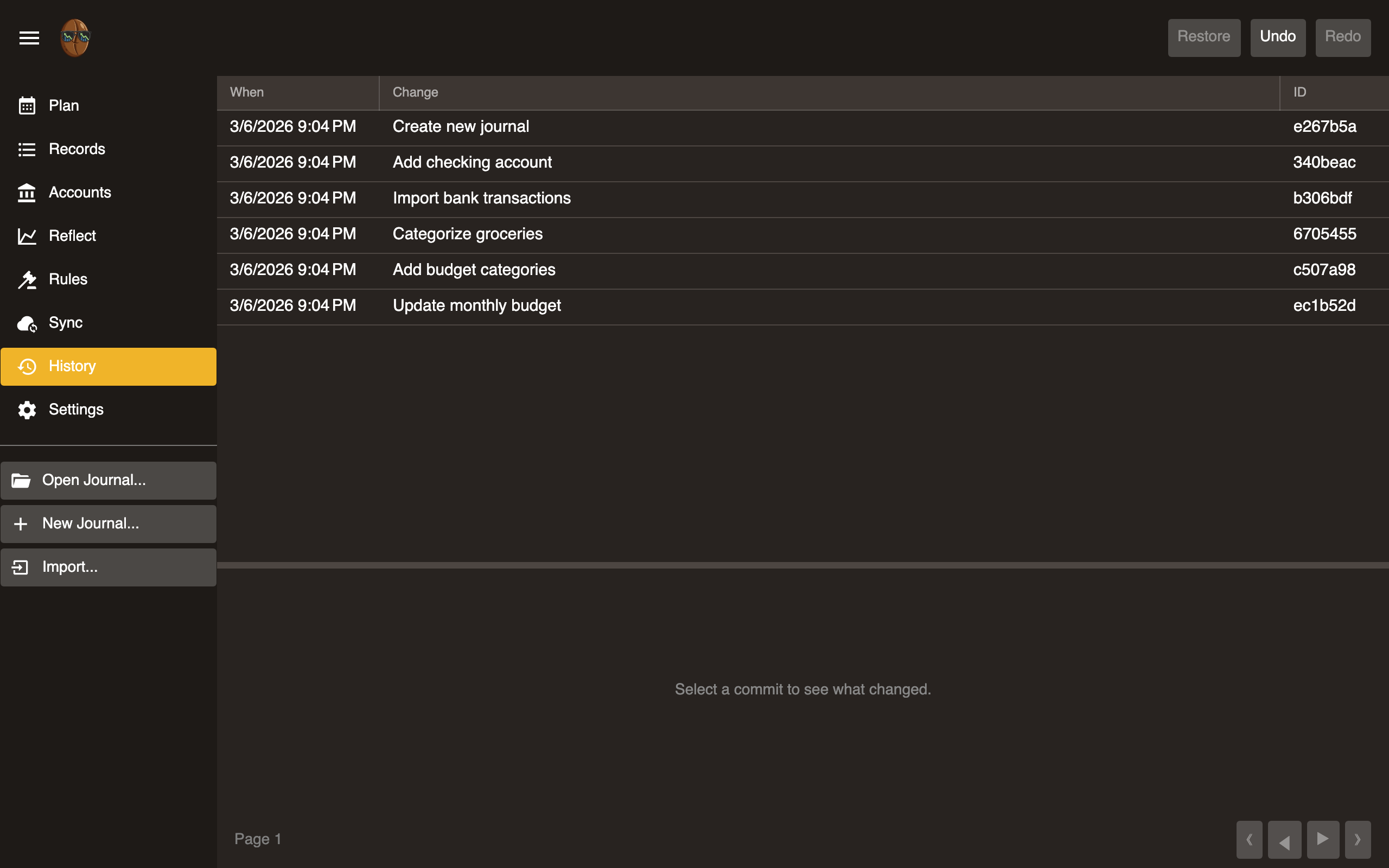
Commit log
Displays commits in reverse chronological order.
| Column | Description |
|---|---|
| When | Timestamp |
| Change | Commit message describing what changed |
| ID | Short git SHA |
Use pagination controls (First, Previous, Next, Last) to navigate.
Revert
Select a commit to restore the journal to that point in time. This creates a new commit that undoes all changes after the selected point. No data is destroyed.
Undo / Redo
| Action | Shortcut |
|---|---|
| Undo | Ctrl+Z (Cmd+Z on macOS) |
| Redo | Ctrl+Y (Cmd+Y on macOS) |
Undo reverts the most recent commit. Redo re-applies it. Both are global: they affect the entire journal, not just the current view.
How it works
Surebeans uses git under the hood. Each save operation (add record, edit record, change budget allocation, etc.) creates a git commit. The History view is a UI over git log.
This means:
- Every change is tracked and reversible.
- You can sync your journal to any git remote (see Sync).
- Advanced users can interact with the journal’s git repo directly.