Create a Journal
A journal is a folder of plain-text hledger files tracked by git. It holds your records, meaning your transactions, along with accounts, categories, budget allocations, rules, and sync configuration.
my-budget/
├── .git/                  # version history
├── main.journal           # root file. references the other files
├── accounts.journal       # account definitions
├── surebeans.json         # rules, remotes, app config
└── includes/
    ├── 2025.journal       # records for 2025
    └── 2026.journal       # records for 2026
Create the journal
Desktop: Click the hamburger menu (☰) → New Journal. Pick a folder.
Browser: Click ☰ → New Journal. Enter a name.
Surebeans creates a starter journal with example accounts and sample records.
Add an account
Navigate to Plan. Your starter journal includes some default accounts. To add more, go to Records, add a record, and type a new account name. Surebeans creates it automatically.
Add a record
Navigate to Records. Click + Add.
Fill in:
| Field | Example |
|---|---|
| Date | 2026-01-15 |
| Payee | Grocery Store |
| Amount | -85.50 |
| Account | Assets:Checking |
| Category | Budget:Groceries |
Press Enter or click away to save.
Assign money
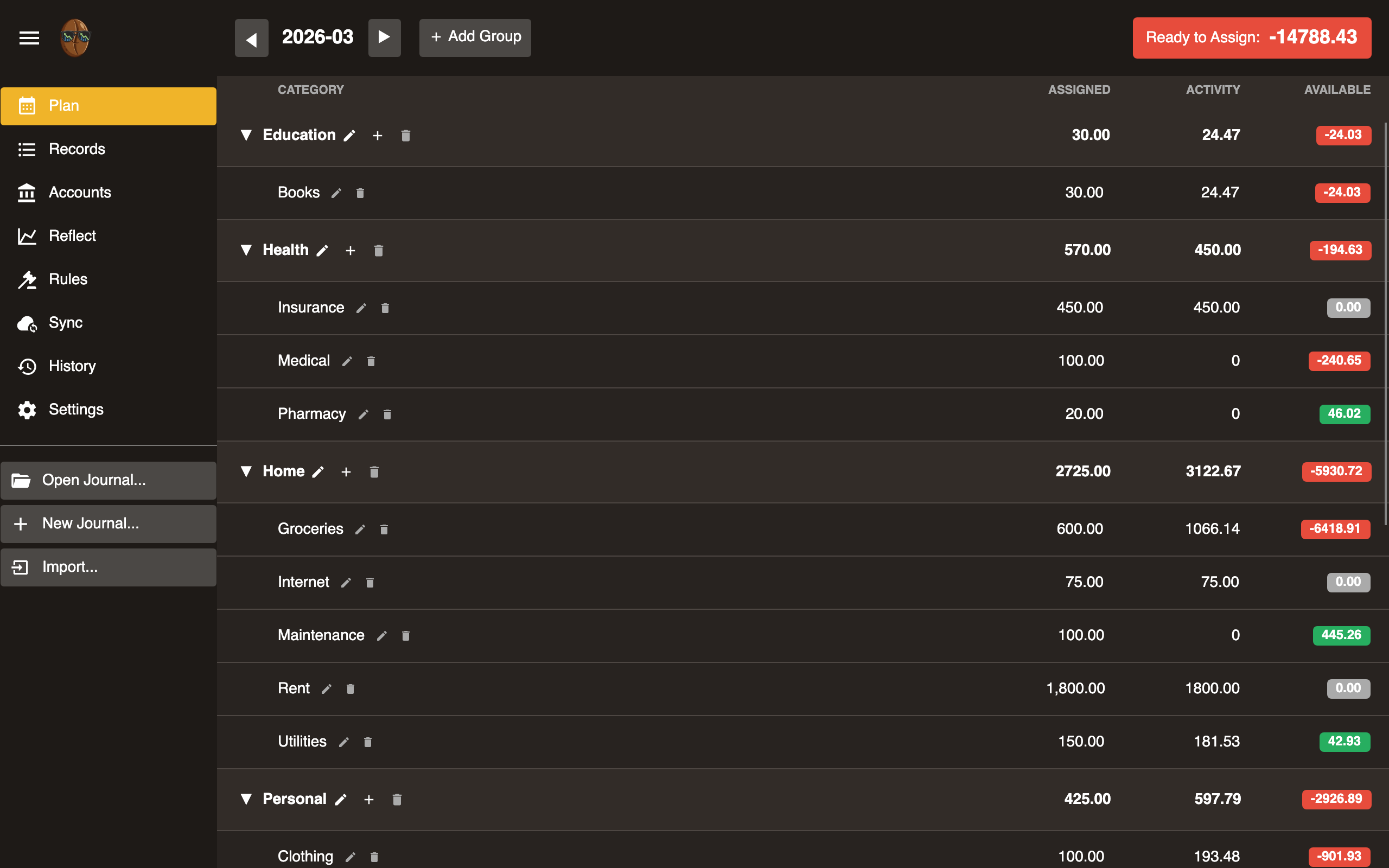
Navigate to Plan. This is the envelope budgeting view.
- Income appears in Ready to Assign at the top.
- Click a category’s Assigned column.
- Enter the amount to budget for that category.
- Repeat until Ready to Assign reaches zero.
The Available column shows each category’s balance. Green means under budget. Red means overspent. See Plan for how it is calculated.
Next steps
- Set up Sync to back up your journal.
- Create Rules to auto-categorize records.
- Import bank records with Beanscrape or SimpleFIN.