Teach
The teach command opens an interactive browser session to capture the details Beanscrape needs to generate a bank script.
Usage
$ beanscrape teach <bank-id>
Example:
$ beanscrape teach chase
What happens
- A browser window opens with the Teach UI panel.
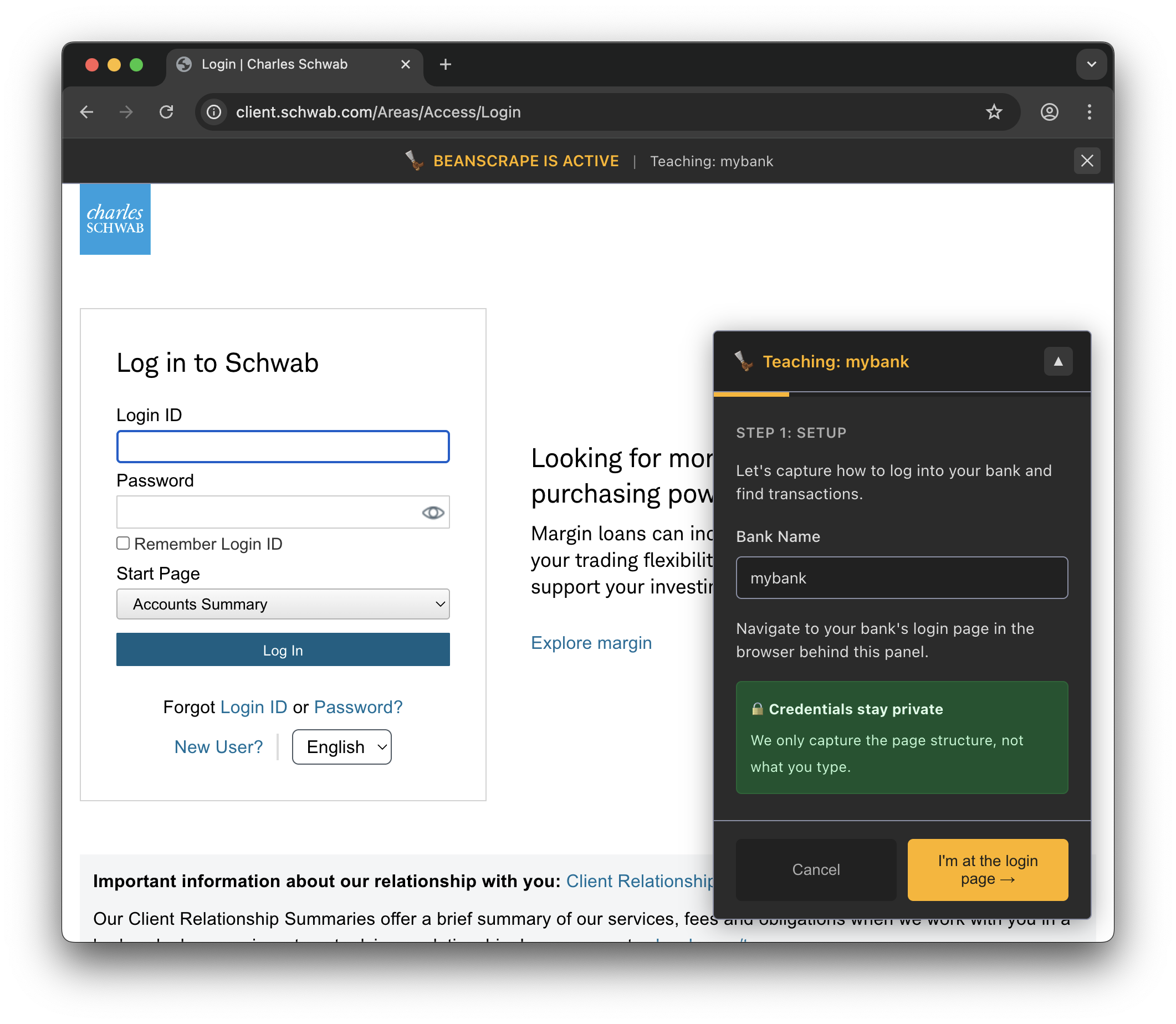
- Navigate to your bank’s login page.
- The panel guides you to capture:
- Login page URL
- Username and password field selectors
- Login button selector
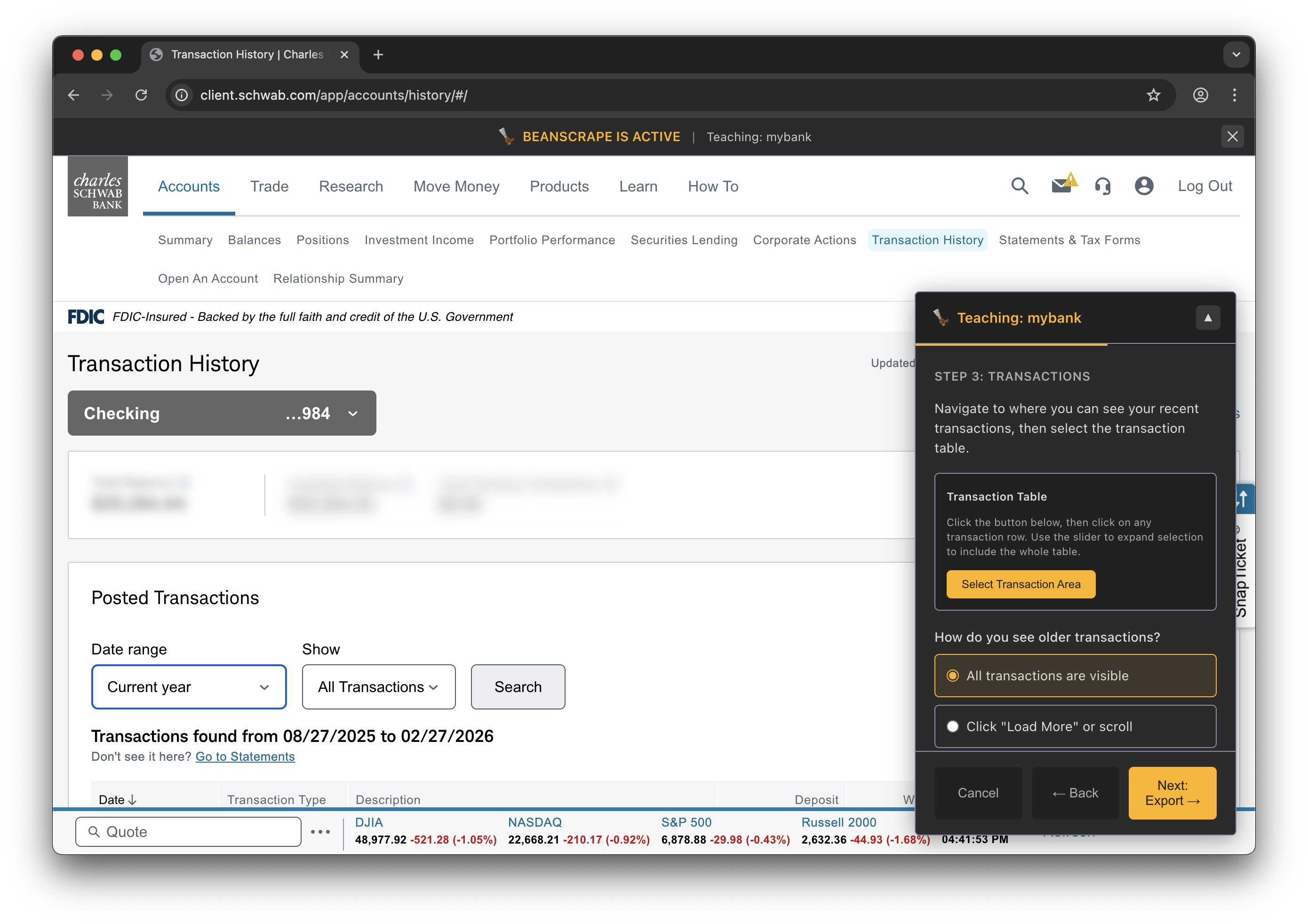
- Transaction page URL and selectors
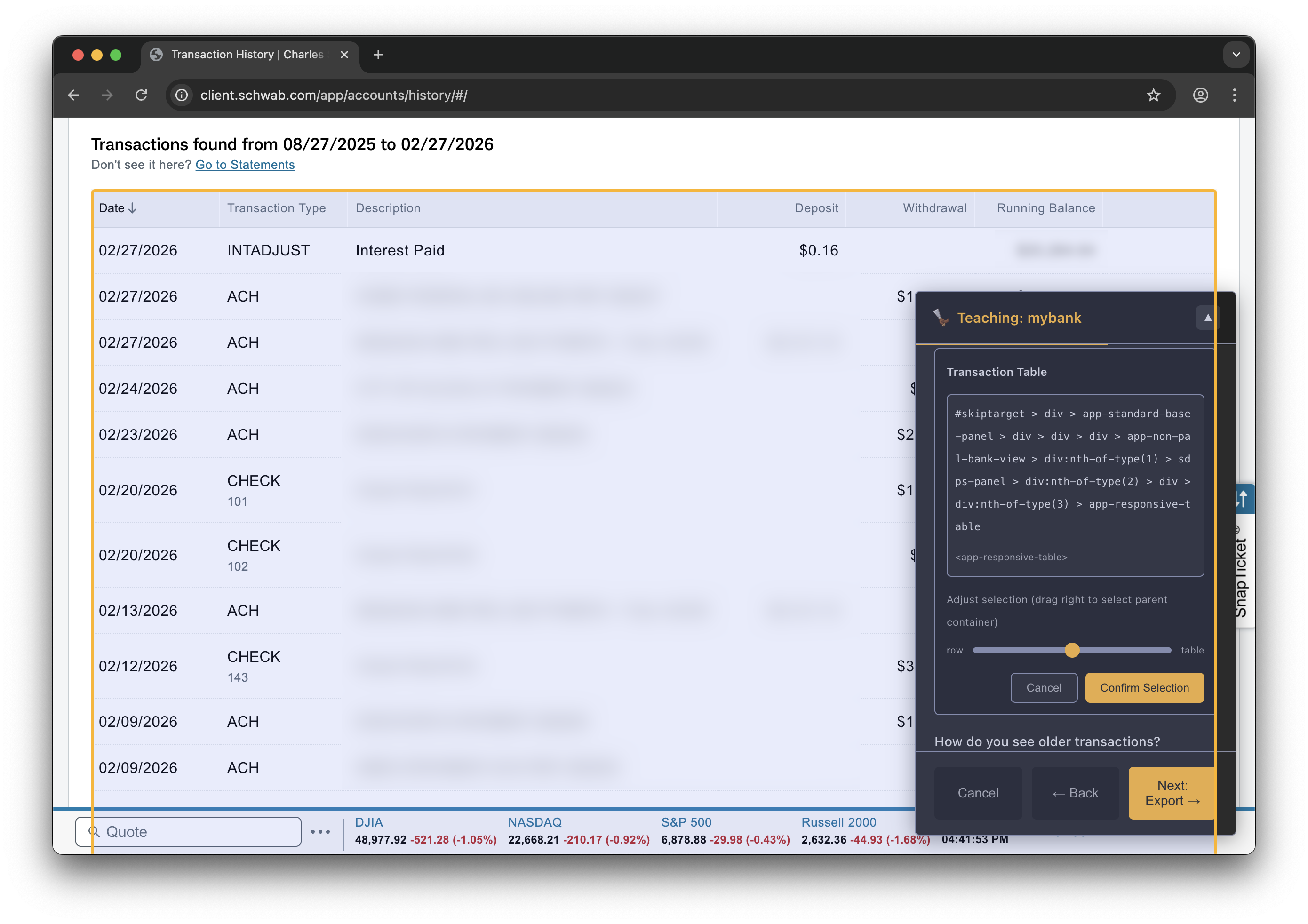
- Transaction table structure (date, payee, amount columns)
- Optionally capture screenshots of each step.
The teach panel opens alongside the bank website. Here’s what a typical session looks like:
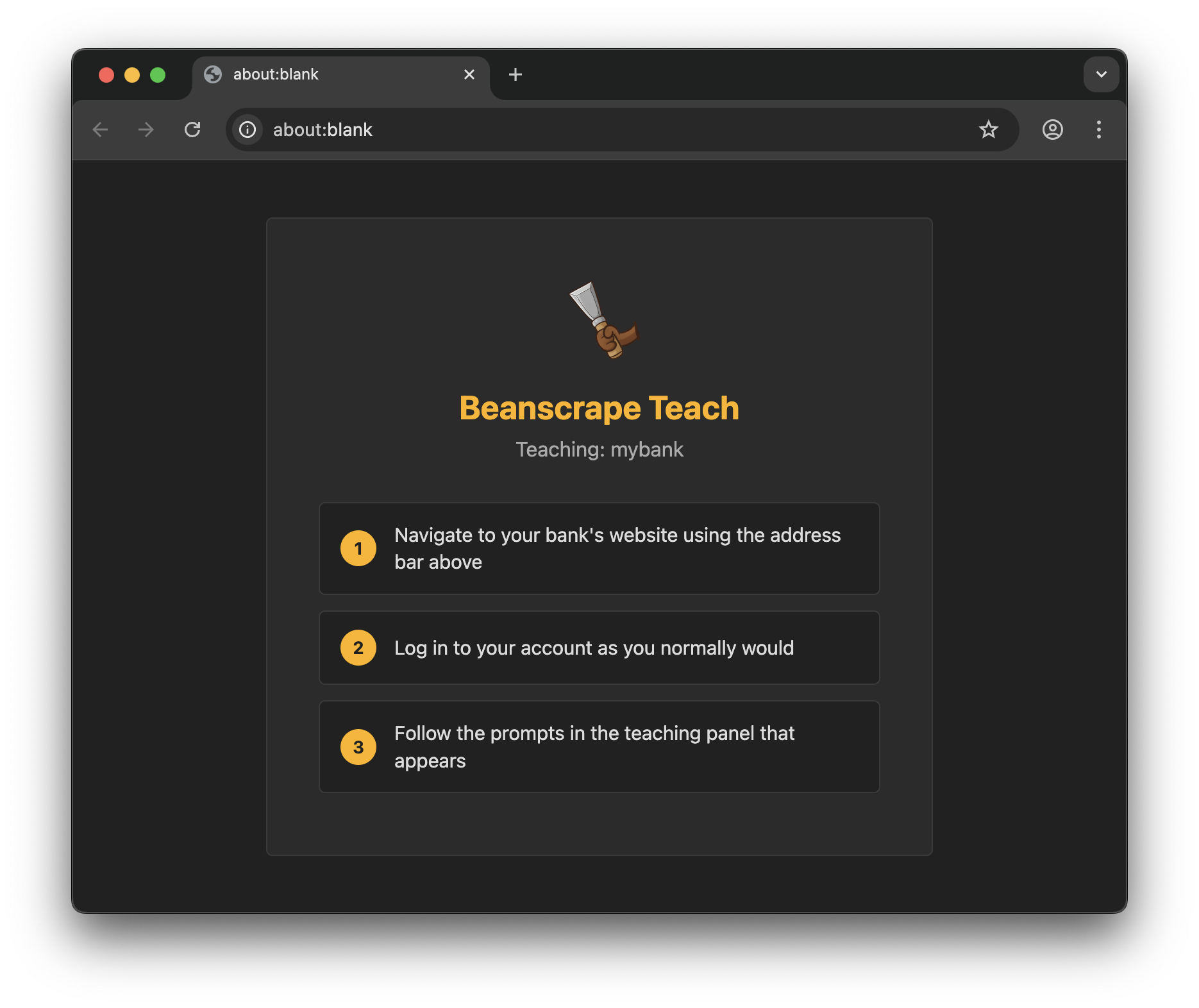
Step 1: Navigate to your bank’s website
Step 2: Log in to your account
Step 3: Navigate to transaction history
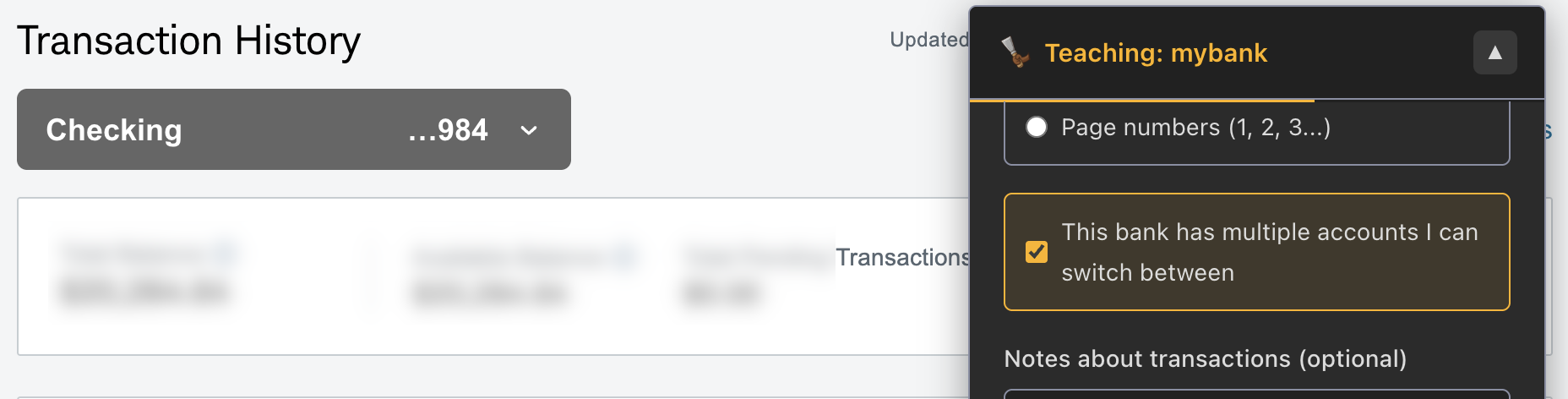
Step 4: Select account and date range
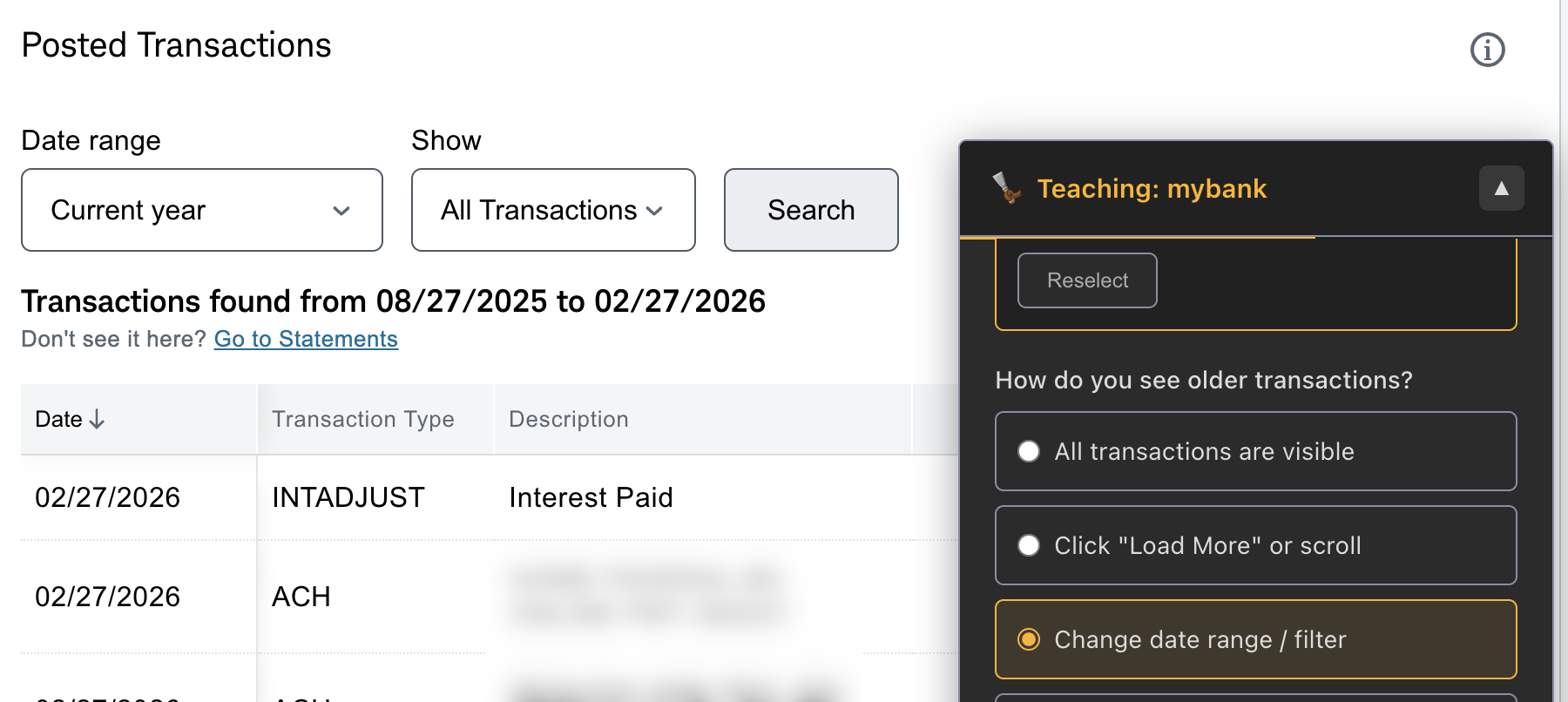
Step 5: Identify the transaction table
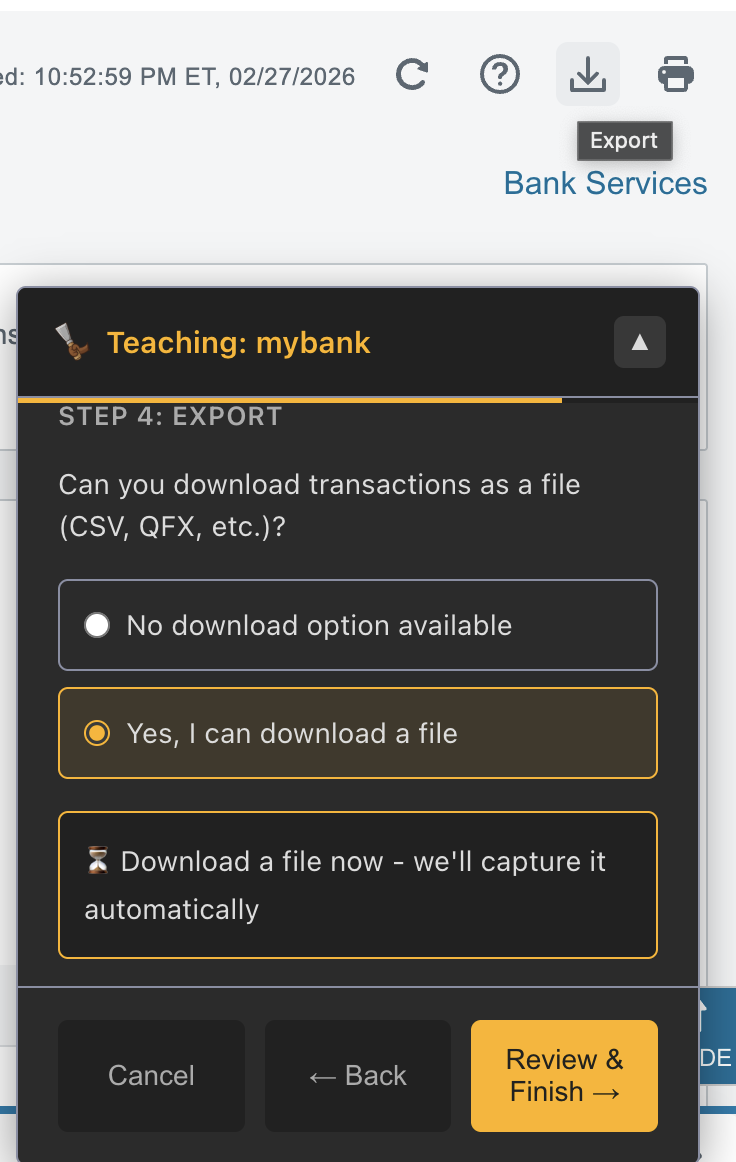
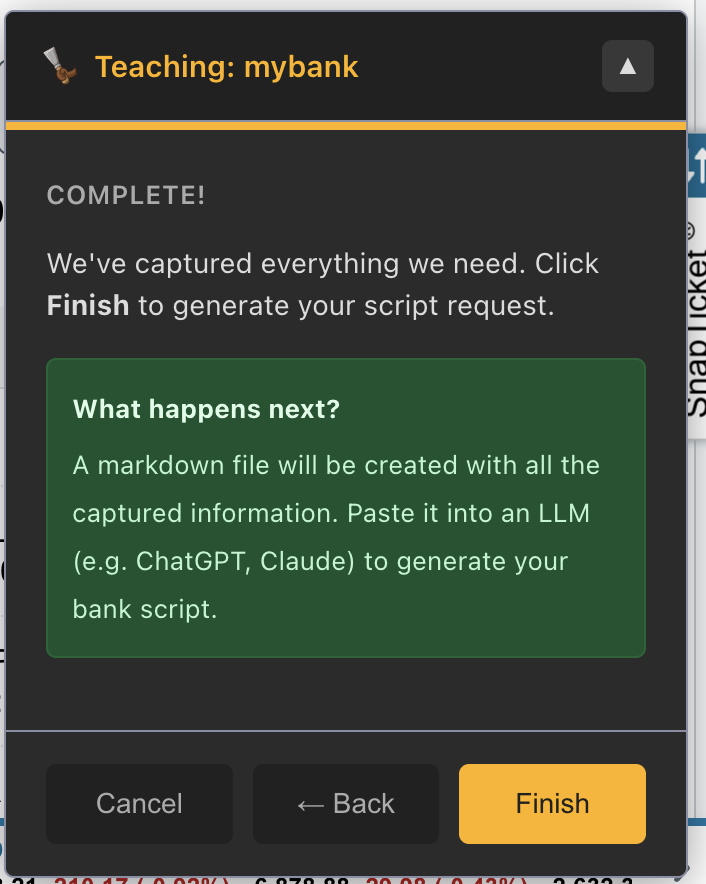
Step 6: Export and finish
Output
Teach generates a markdown file at ./prompts/<bank-id>.md containing:
- Captured URLs
- DOM selectors
- Screenshots as base64 or file references
- Structural notes about the page layout
This file is the input for Script Creation.
Options
| Flag | Short | Description |
|---|---|---|
--output | -o | Override output file path |
Tips
- Log in manually during the teach session so the panel can observe the DOM structure.
- If your bank has multiple transaction views such as recent, statements, and downloads, capture all of them. You can choose the best approach when generating the script.
- The teach session does not store credentials.