Install
Beanscrape is a single-file executable. No runtime dependencies.
From Surebeans (recommended)
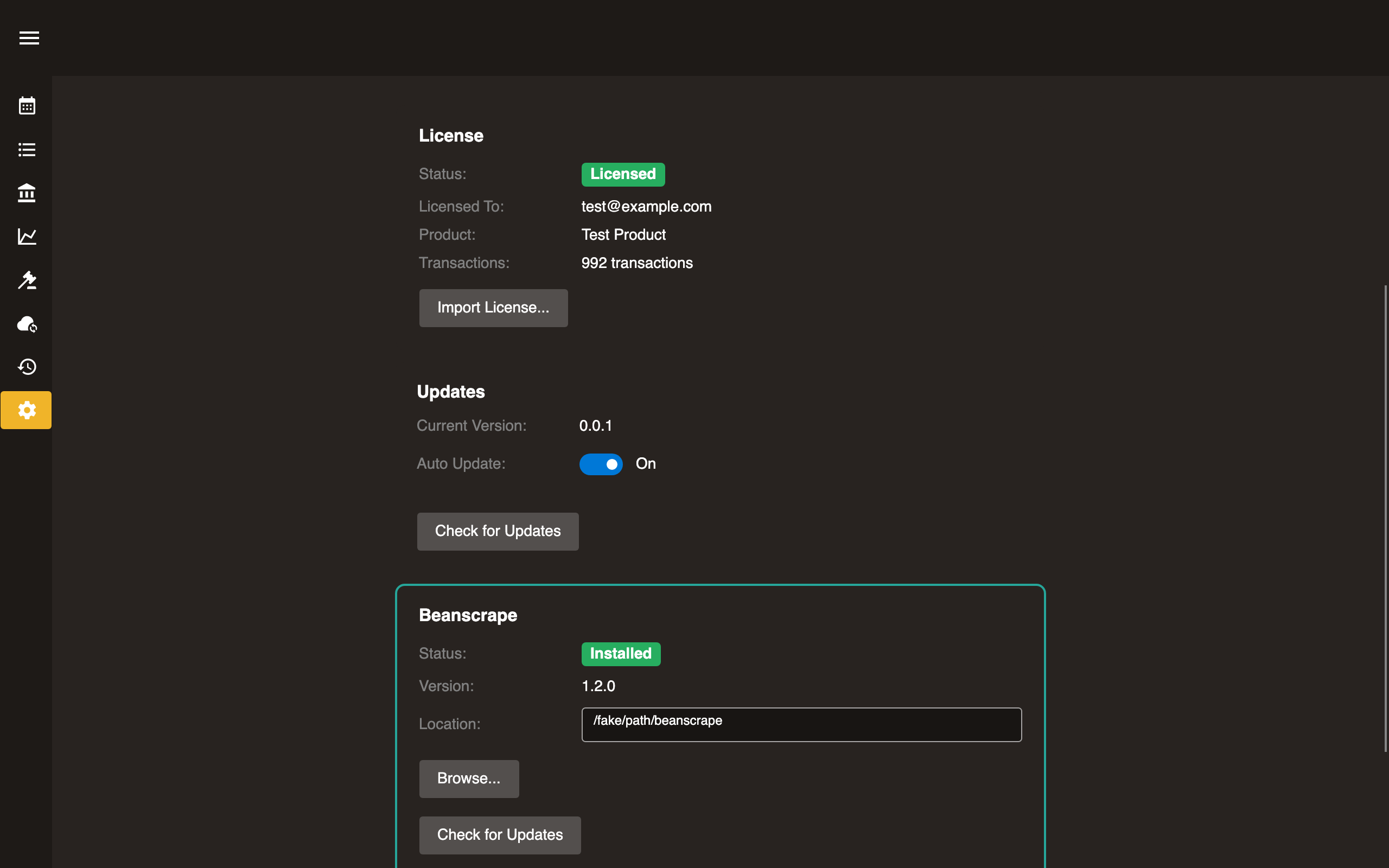
- Open Surebeans → Settings.
- Scroll to the Beanscrape section.
- Click Install.
Surebeans downloads and installs the correct version for your platform.
Manual download
Download from surebeans.net/beanscrape.
| Platform | File |
|---|---|
| Windows | beanscrape-win-x64.exe |
| Windows (ARM) | beanscrape-win-arm64.exe |
| macOS (Intel) | beanscrape-osx-x64 |
| macOS (Apple Silicon) | beanscrape-osx-arm64 |
| Linux | beanscrape-linux-x64 |
| Linux (ARM) | beanscrape-linux-arm64 |
Place the executable somewhere on your PATH.
First run
On first launch, Beanscrape downloads and installs the Playwright browser engine, about 150 MB. This happens once.
$ beanscrape run amex

Playwright browsers not installed. Installing chromium...
Self-update
$ beanscrape update
Checks for and installs the latest version.